Short tutorials and longer deep dives, grouped by topic, so your team can get pages published and updated faster. Every tutorial covers the Nonprofit Growth Platform, built on the Advoc8 framework and trusted by 60,000+ organizations since 2001.
Every walkthrough video in the library.
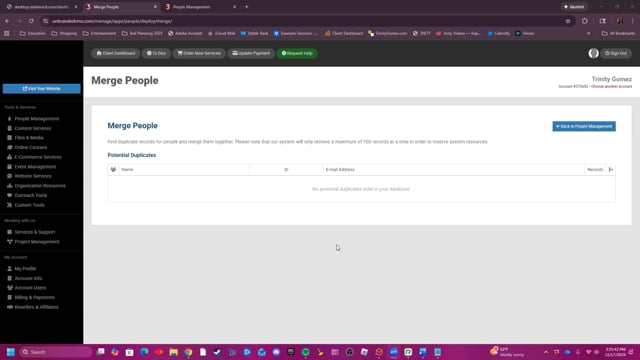
This video explains how the Merge People feature helps users identify and combine duplicate contact records in their database to ensure all available information, such as names, emails, and addresses, is consolidated into a single, accurate entry.
If you are a new MoreChurchVisitors client, find out more about what your kick-off call consists of and get some valuable insights into what to expect from our time together.
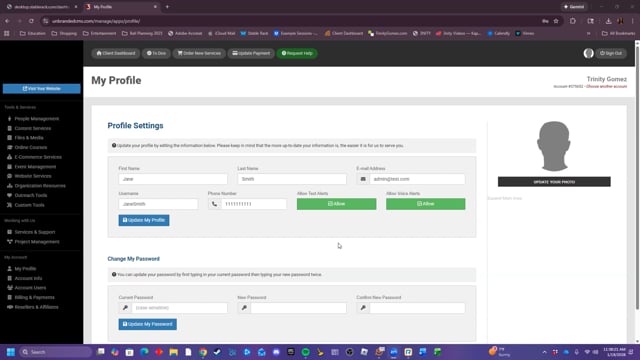
This is where you can manage and edit your profile's contact and login information.
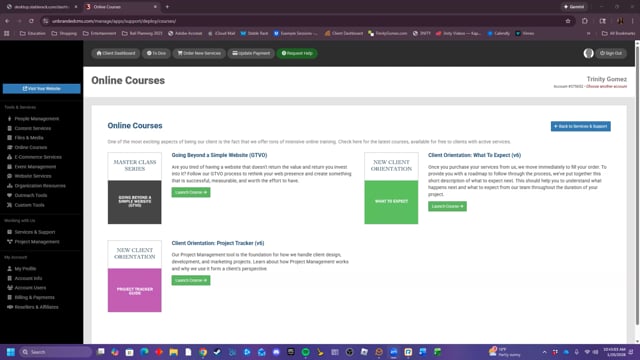
This video shows the courses avialable to users, free-of-charge.
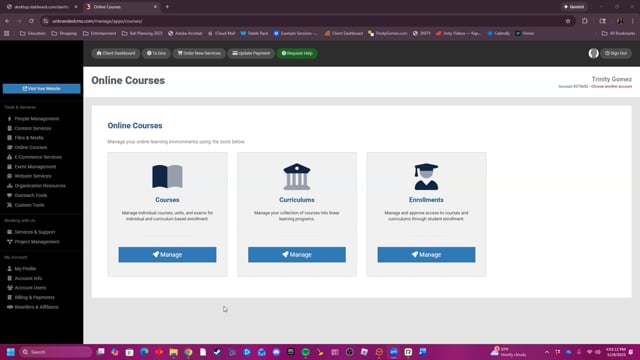
This video provides a summary of the Online Courses tools.
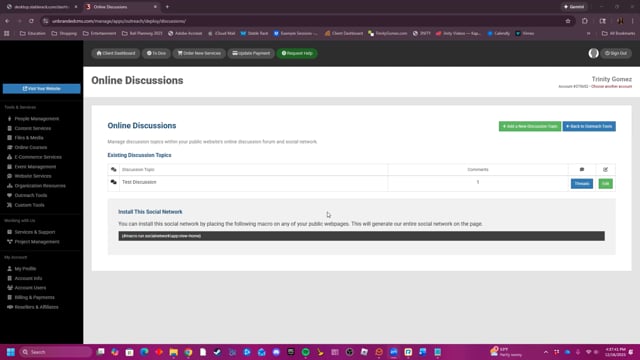
This video demonstrates how to create and manage online discussion topics, threads, and comments, and provides a macro code for embedding the discussion forum on your website.
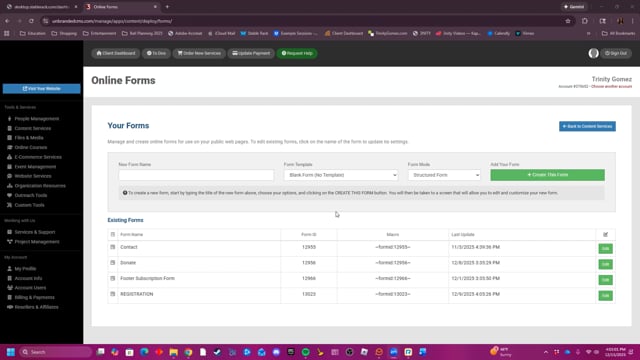
This video provides a step-by-step guide on how to create, edit, manage, and delete online forms for your website, including features like enabling human verification, setting up email notifications, and choosing payment gateways.
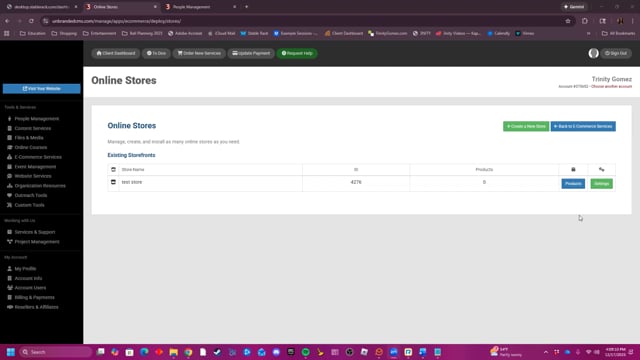
This video provides a comprehensive guide on how to create, manage, and customize online stores and products, covering everything from setting up payment gateways and shipping options to configuring product details and post-purchase customer interactions.
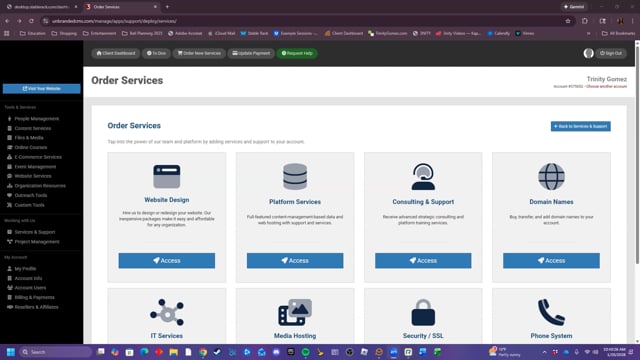
This video shows the available services that are available to order thorugh the platform.
The walkthroughs your team opens most often.
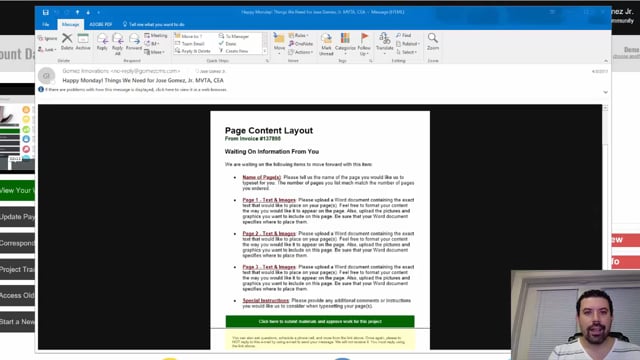
Every Monday and Friday, you can expect reminder e-mails detailing anything we are waiting for from you, whether they are approvals or project requirements. Expect them and learn how to leverage them to move your project forward fast.
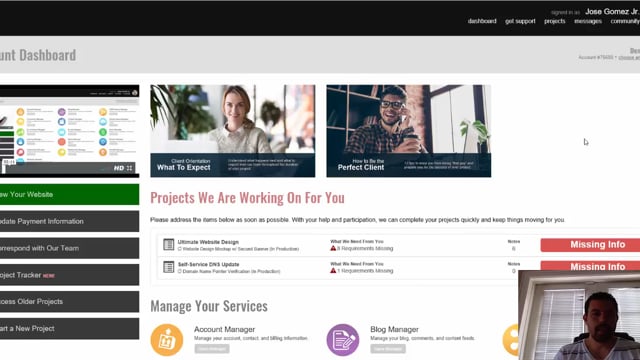
Find out exactly how to communicate with your project manager whenever you need to. It's super easy and convenient to do so right from within the Project Tracker.
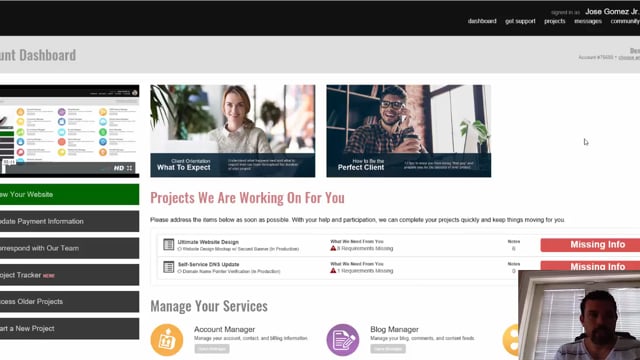
As a client, it's important to learn how to use the Project Tracker for your ongoing projects. Learn step by step about how to properly communicate, approve, reject, and review projects as they are being worked on for you.
