Short tutorials and longer deep dives, grouped by topic, so your team can get pages published and updated faster. Every tutorial covers the Nonprofit Growth Platform, built on the Advoc8 framework and trusted by 60,000+ organizations since 2001.
Every walkthrough video in the library.
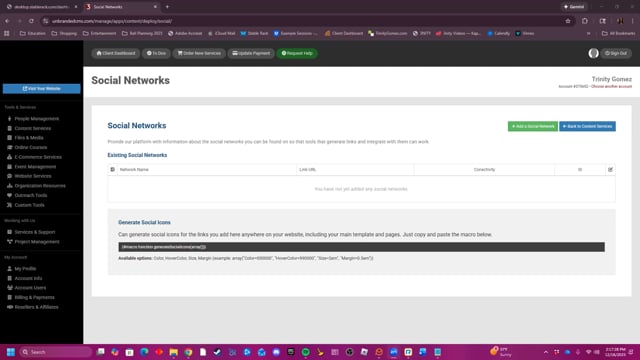
This video demonstrates how to link and showcase your social media platforms on your website by adding specific social network URLs and then embedding the generated icons using a provided macro.
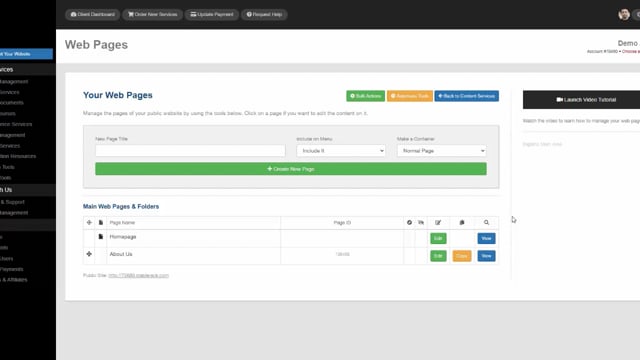
Create complex page layouts using our structured page editing system.
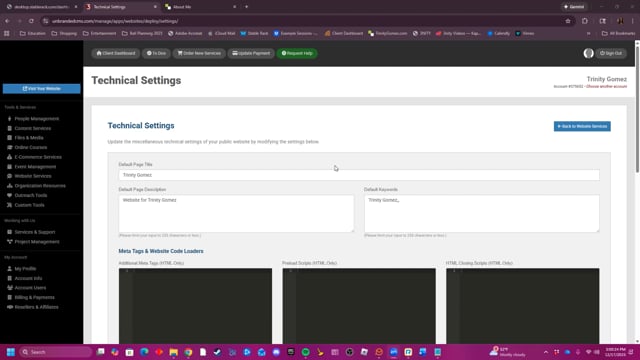
This video explains how to adjust the technical settings of a website, including metadata, style, format, footer, and domain name details.
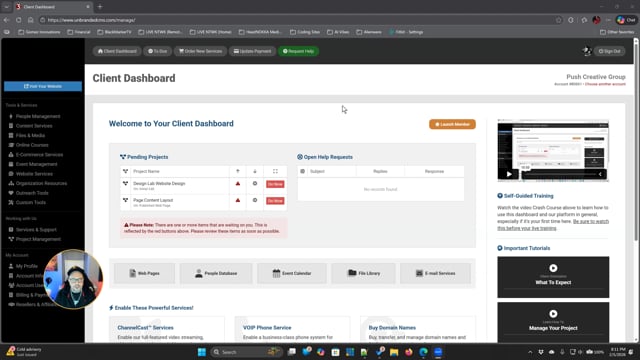
Learn about why your project kick-off call is important and how to best prepare for a successful launch of your project.
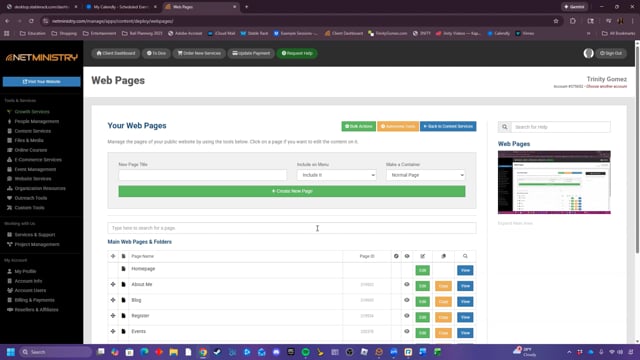
This video provides a short tutorial on managing web pages, covering basic page creation, Homepage menu editing, and hidden pages.
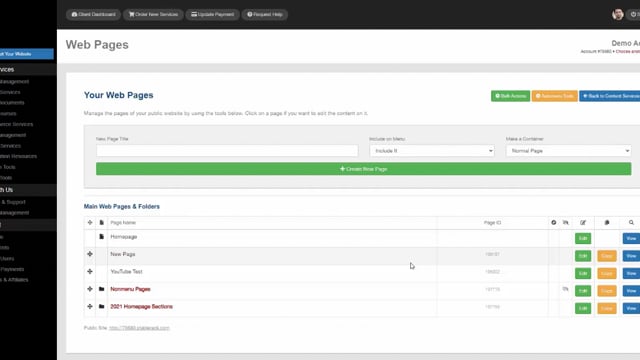
Manage your web page content using our Web Pages tool.
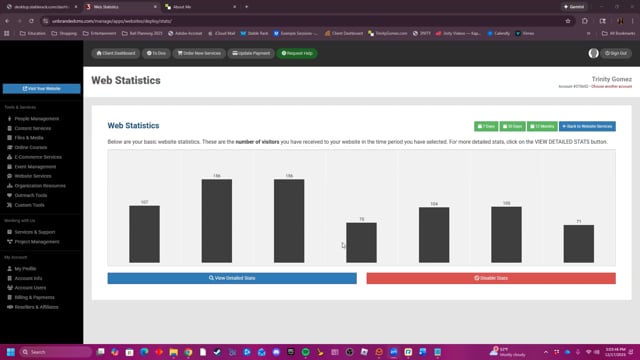
This video explores the Web Statistics feature on the website, which allows users to view data on their site's visitors over various time periods, including 7 days, 30 days, or 12 months.
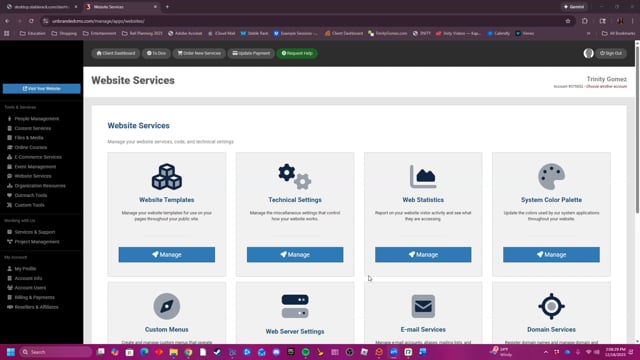
This video provides a summary of the Website Services tools.
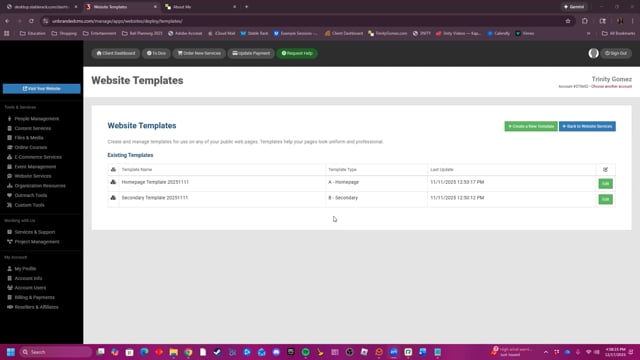
This video demonstrates how to manage, edit, and create website templates with HTML and CSS.
The walkthroughs your team opens most often.
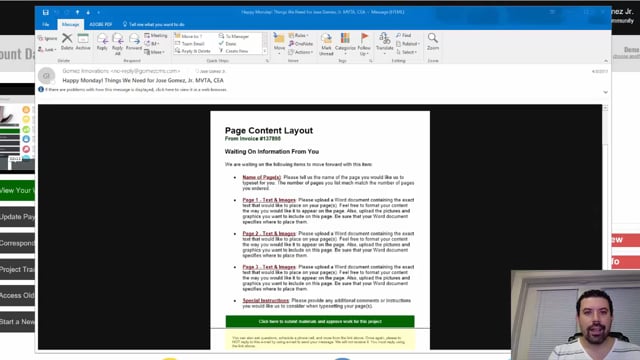
Every Monday and Friday, you can expect reminder e-mails detailing anything we are waiting for from you, whether they are approvals or project requirements. Expect them and learn how to leverage them to move your project forward fast.
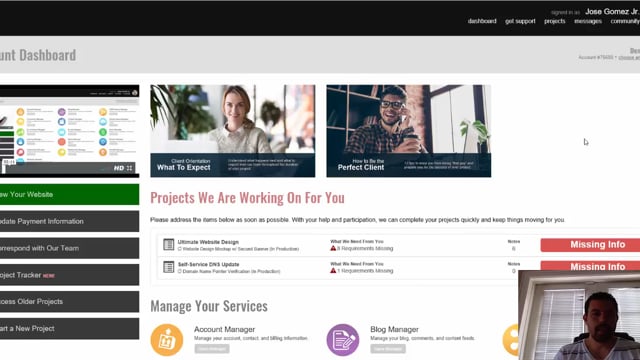
Find out exactly how to communicate with your project manager whenever you need to. It's super easy and convenient to do so right from within the Project Tracker.
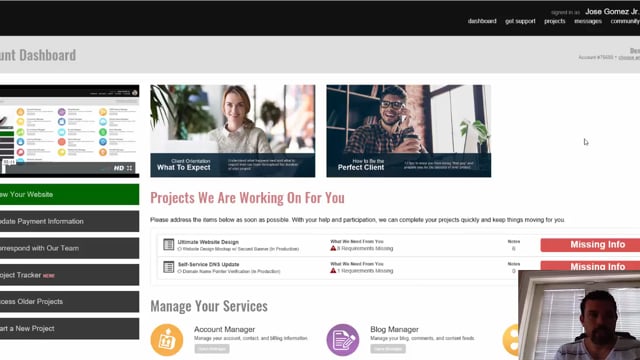
As a client, it's important to learn how to use the Project Tracker for your ongoing projects. Learn step by step about how to properly communicate, approve, reject, and review projects as they are being worked on for you.
