Short tutorials and longer deep dives, grouped by topic, so your team can get pages published and updated faster. Every tutorial covers the Nonprofit Growth Platform, built on the Advoc8 framework and trusted by 60,000+ organizations since 2001.
Every walkthrough video in the library.
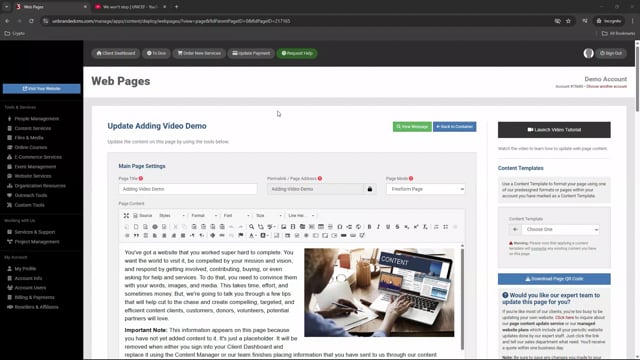
In this tutorial, you will learn 4 different ways of adding video to your pages.
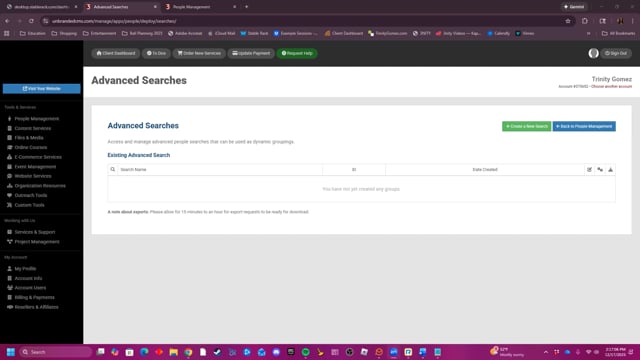
This video explains how to use the Advanced Searches tool to create and manage custom groups of people from a database based on various criteria like name, company, or membership status.
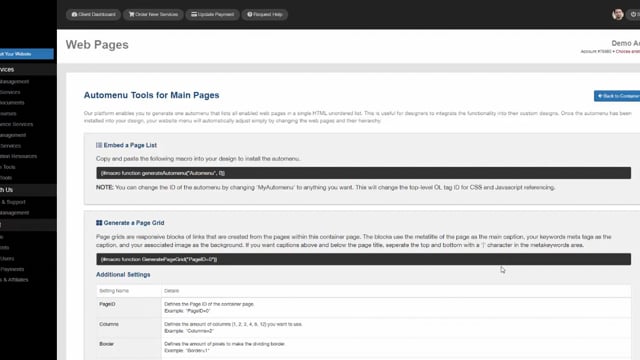
Generate information about a container page's subpages automatically using our Automenu Tools.
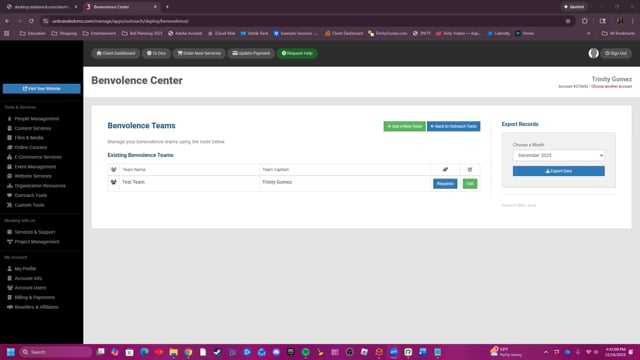
This video demonstrates how to use the Benevolence Center to create teams and manage, assign, and document the details of specific benevolence requests and the assistance provided.
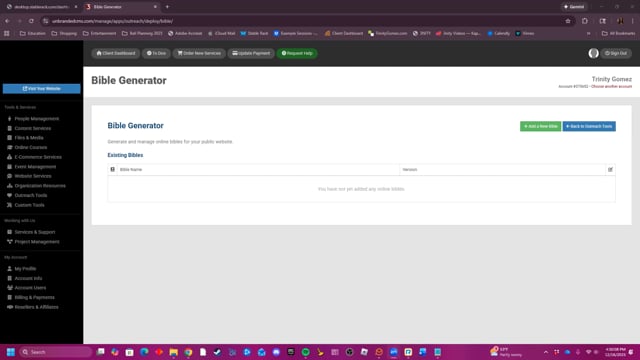
The Bible Generator tool allows you to create, manage, and embed online Bibles on your website by filling out a simple form and copying the generated macro code.
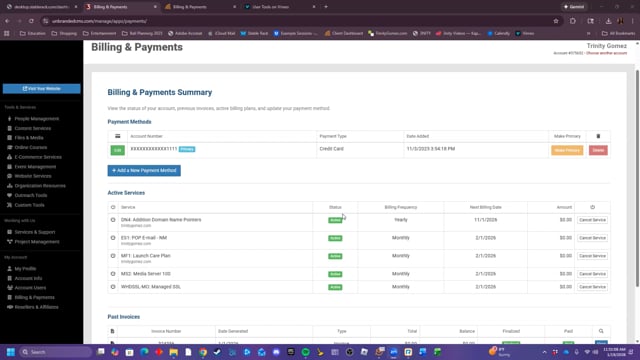
This is where you can manage your payment methods and your active services. You can also view past invoice records.
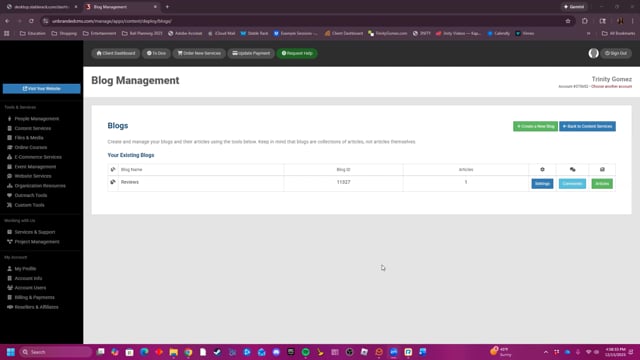
This video provides a detailed tutorial on how to create, manage, and customize blogs and articles for a website, including setting up search engine optimization keywords, assigning authors, and adding media content.
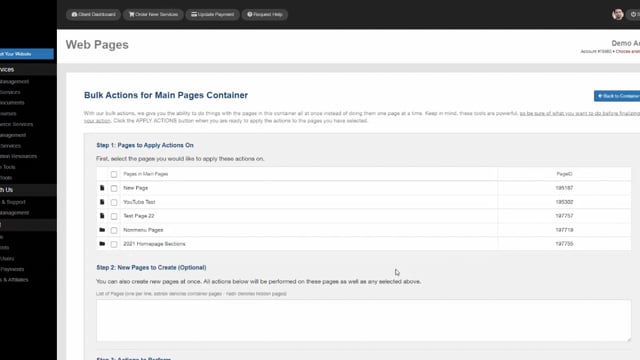
Learn how to use bulk actions to do more with less time.
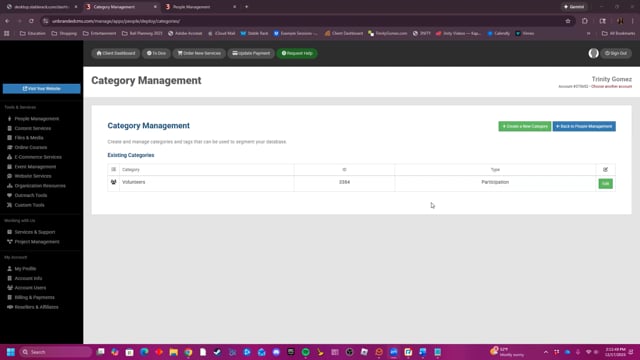
The Category Management tool allows users to create and manage categories and tags to segment their people database, providing options to customize category types, access levels, and tracking for more efficient organization.
The walkthroughs your team opens most often.
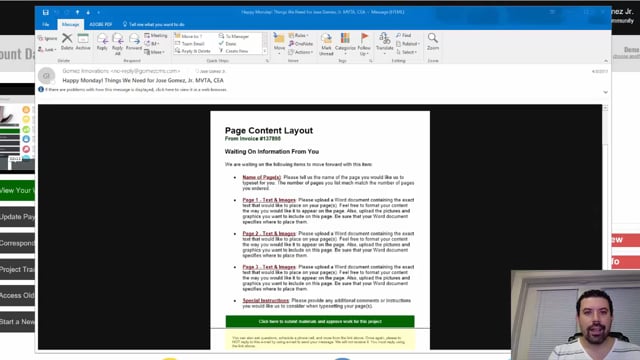
Every Monday and Friday, you can expect reminder e-mails detailing anything we are waiting for from you, whether they are approvals or project requirements. Expect them and learn how to leverage them to move your project forward fast.
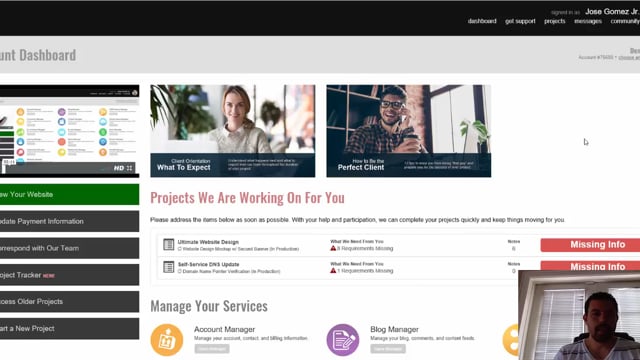
Find out exactly how to communicate with your project manager whenever you need to. It's super easy and convenient to do so right from within the Project Tracker.
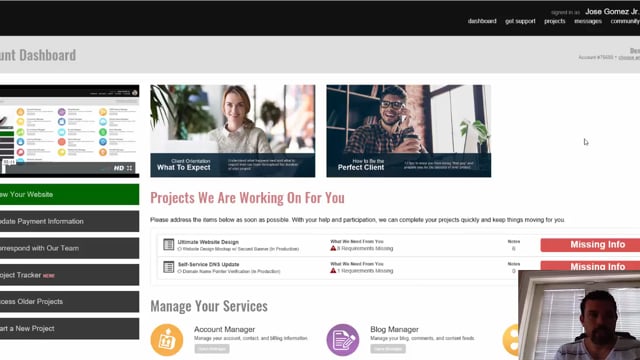
As a client, it's important to learn how to use the Project Tracker for your ongoing projects. Learn step by step about how to properly communicate, approve, reject, and review projects as they are being worked on for you.
