Short tutorials and longer deep dives, grouped by topic, so your team can get pages published and updated faster. Every tutorial covers the Nonprofit Growth Platform, built on the Advoc8 framework and trusted by 60,000+ organizations since 2001.
Every walkthrough video in the library.
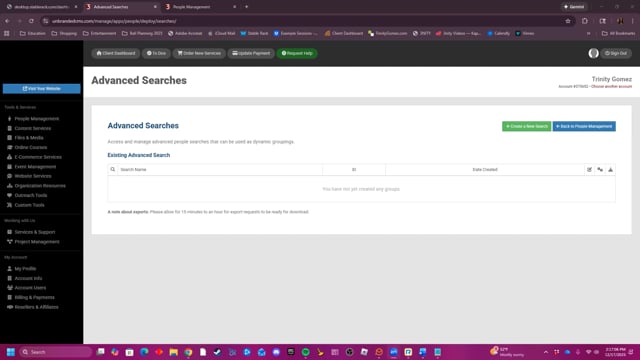
This video explains how to use the Advanced Searches tool to create and manage custom groups of people from a database based on various criteria like name, company, or membership status.
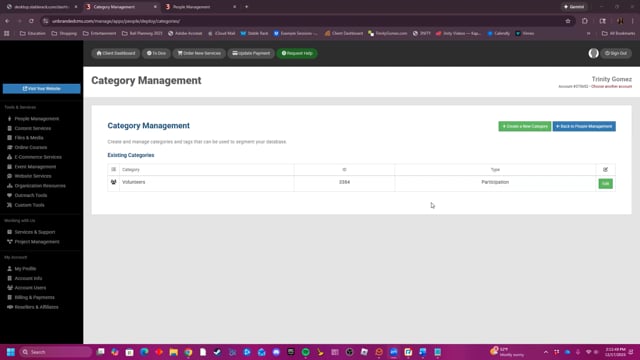
The Category Management tool allows users to create and manage categories and tags to segment their people database, providing options to customize category types, access levels, and tracking for more efficient organization.
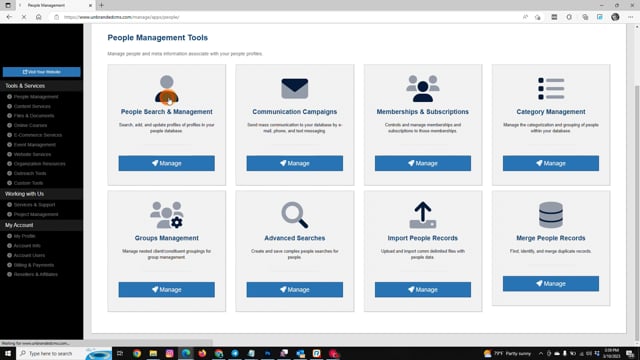
Learn how to send mass e-mails, text messages, and voice mails to people in your People Management database.
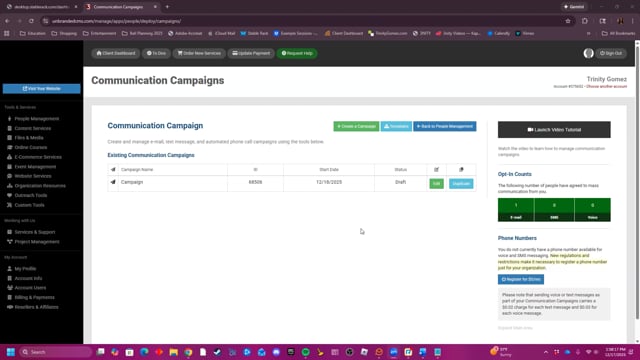
The Communication Campaigns tool enables users to create and manage mass email, text message, and phone call campaigns. Users can define the recipient list using custom searches, schedule campaigns for one-time or recurring intervals, and use message macros to personalize content with information such as first names and email addresses. Additionally, the tool provides campaign logs to track performance metrics like opens, clicks, bounces, and unsubscriptions.
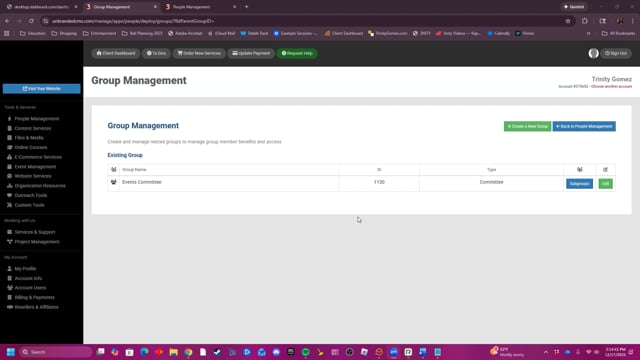
The Group Management tool enables users to create and organize groups and subgroups within an organization to efficiently manage member benefits and access.
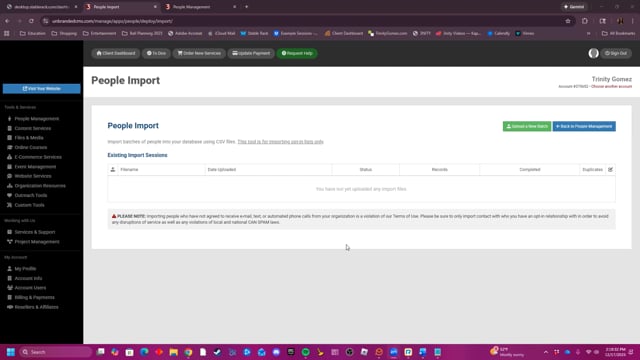
You can easily import people data into our platform by uploading a CSV format, mapping its fields to ours, and watching the data populate automatically.
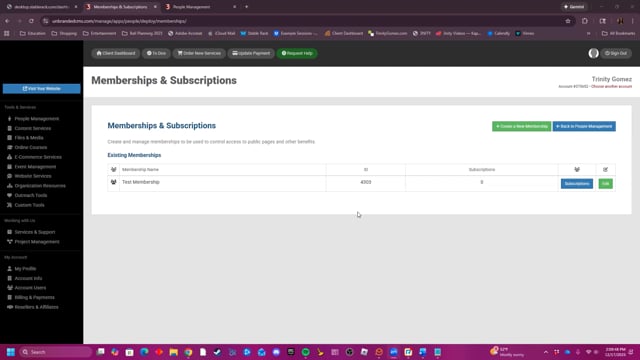
This video demonstrates how to create and manage memberships by customizing access settings, configuring approval requirements, and setting up automated subscriber emails using existing communication templates.
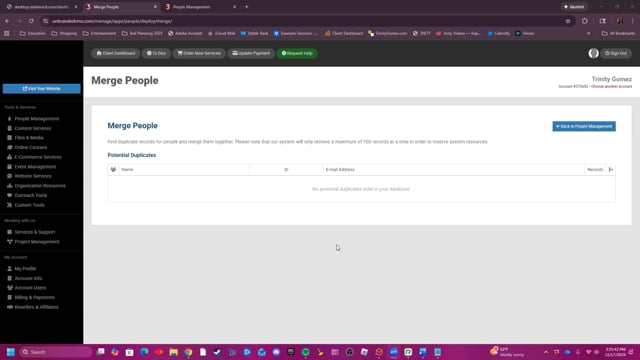
This video explains how the Merge People feature helps users identify and combine duplicate contact records in their database to ensure all available information, such as names, emails, and addresses, is consolidated into a single, accurate entry.
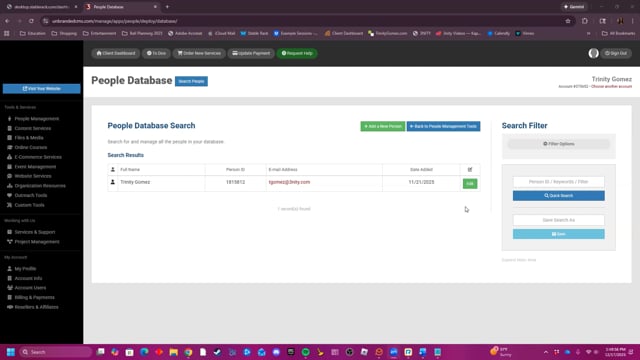
This video provides an overview of the People Database feature, which allows users to manage and organize contact information by adding new profiles, editing details, and viewing individual records for staff, students, and other associated individuals.
The walkthroughs your team opens most often.
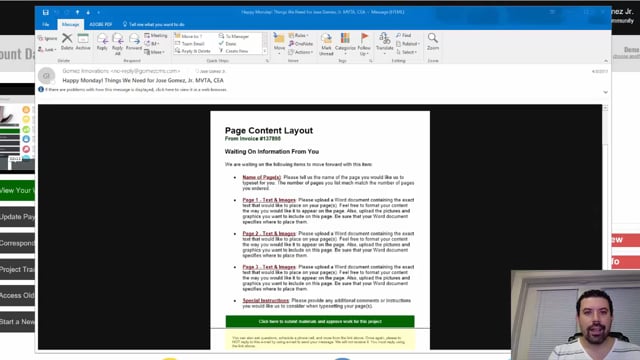
Every Monday and Friday, you can expect reminder e-mails detailing anything we are waiting for from you, whether they are approvals or project requirements. Expect them and learn how to leverage them to move your project forward fast.
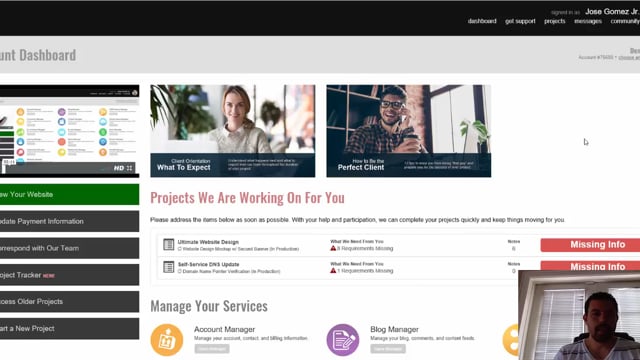
Find out exactly how to communicate with your project manager whenever you need to. It's super easy and convenient to do so right from within the Project Tracker.
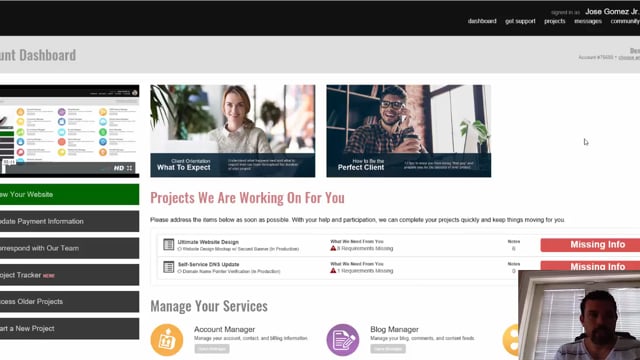
As a client, it's important to learn how to use the Project Tracker for your ongoing projects. Learn step by step about how to properly communicate, approve, reject, and review projects as they are being worked on for you.
